Define a grooved bush extruder
A grooved bush can be defined via the Grooved bush (Geometry) tab in the cylinder input dialog.
If a grooved bush does not yet exist, it can be created using the Create grooved bush button. A grooved bush that has already been created can be deleted again using the Remove grooved bush button.
If the grooved bushing is beeing calculated, it determines the throughput (s. grooved bush calculation)
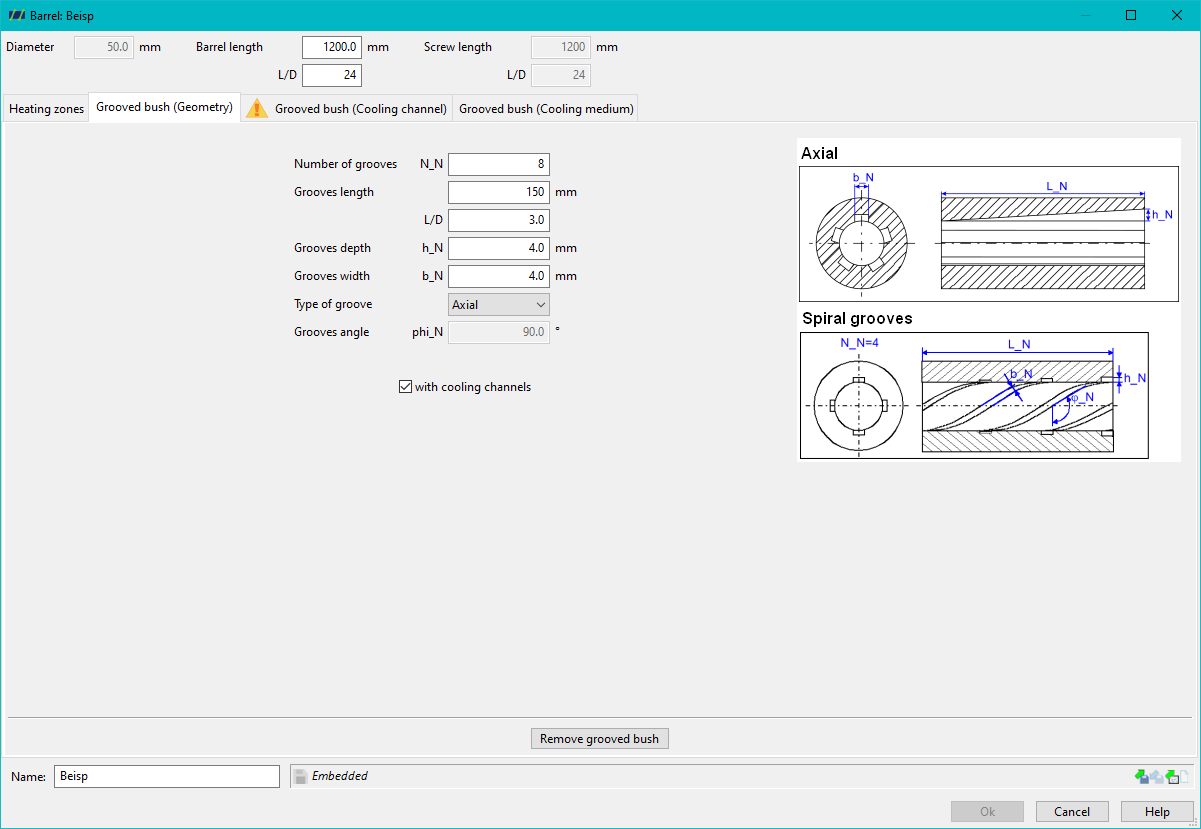
If the process contains a grooved bush, 3 tabs appear in the dialog for cylinder input. The following values must be entered in the Grooved bush (geometry) tab:
- Number of grooves N_N
- Grooves length
- Groove depth h_N
- Groove width b_N
- Typeof groove (axial, helical grooves)
- For helical grooves, the groove angle phi_N
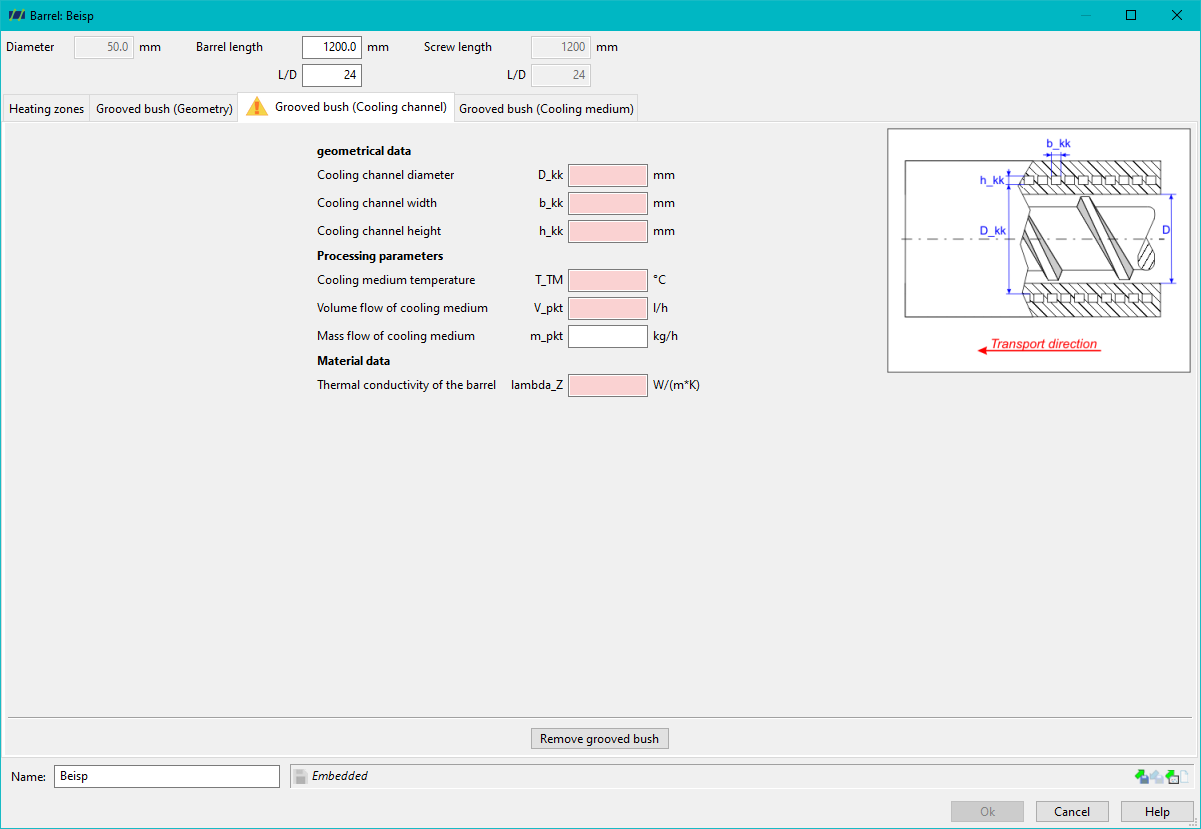
If it is a cooled grooved bush, the checkbox with cooling channels must be selected. In this case, the values in the Grooved bush (cooling channel) and Grooved bush (cooling medium) tabs must also be defined.
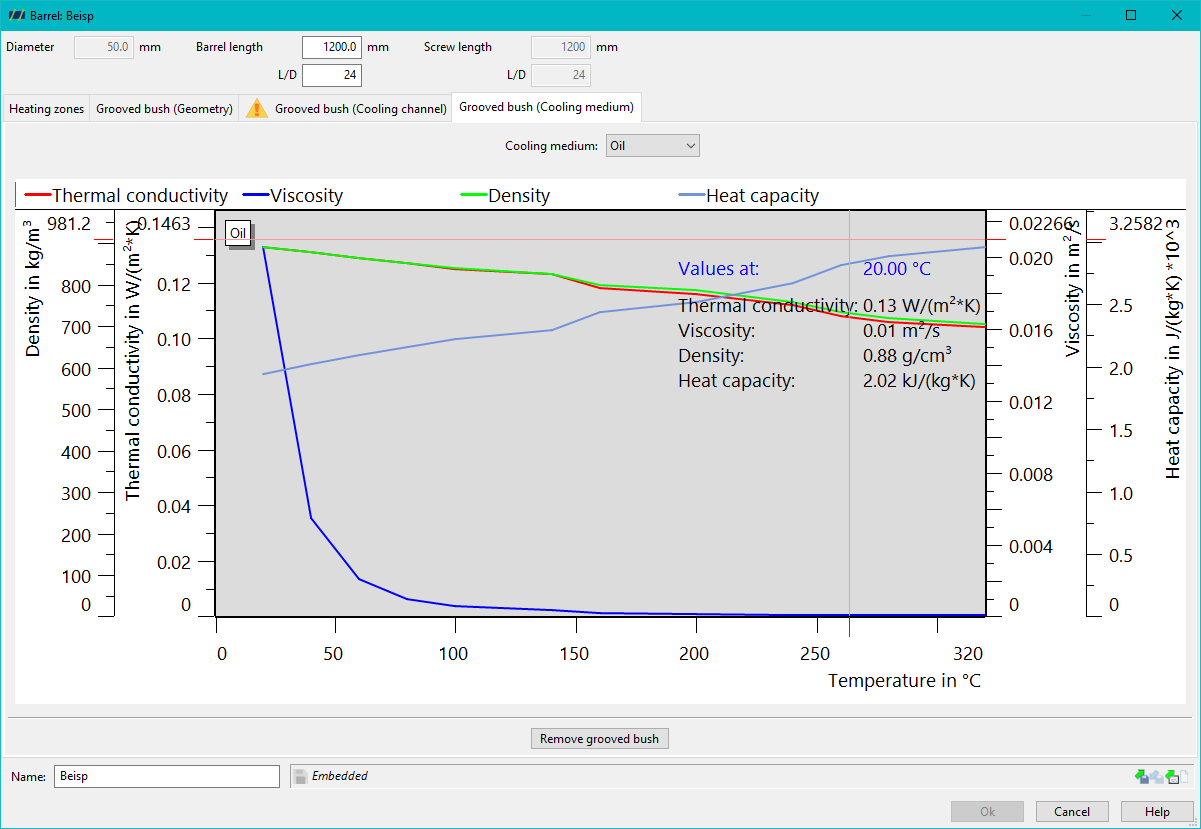
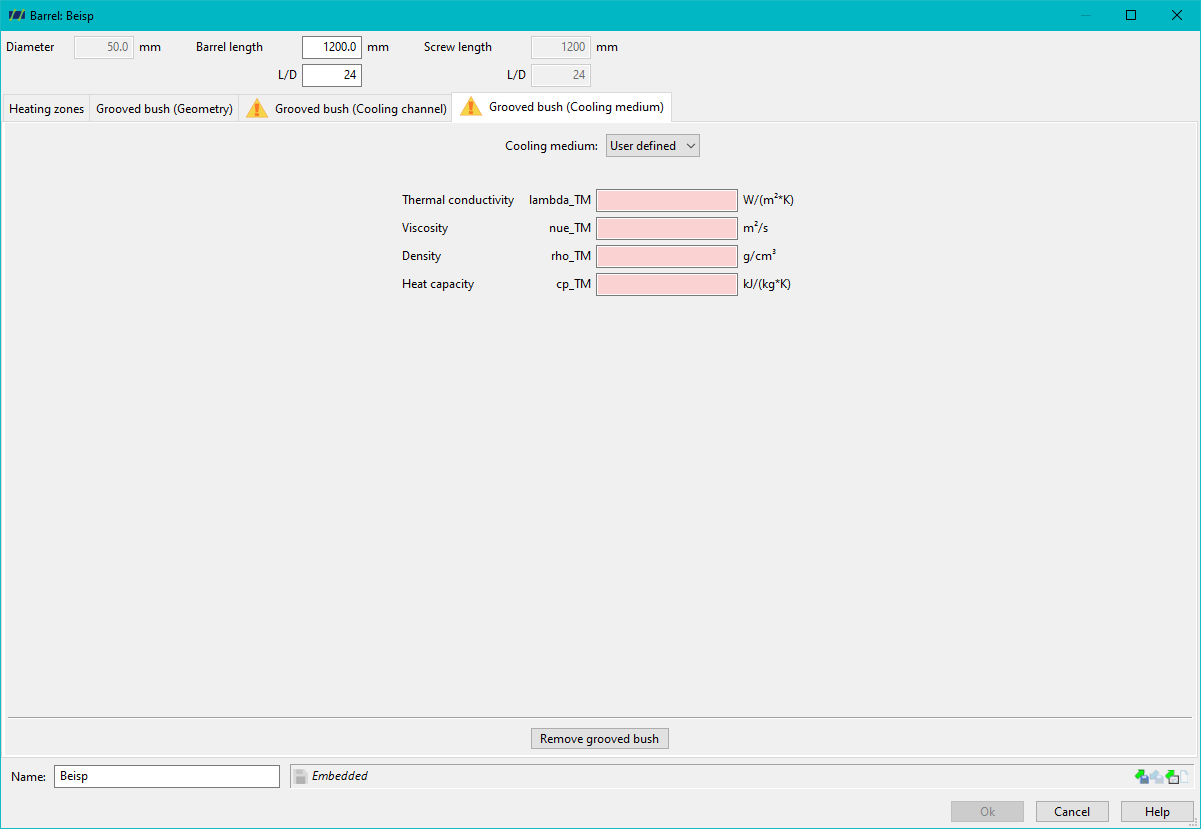
Water and oil (Regoplas RO 150) can be specified as predefined media or a user-defined medium as the cooling medium.