Dies ist eine alte Version des Dokuments!
Installing Updates
Enabling the Auto-Update Function
To ensure that you are always informed about available software updates, you can activate the „Check for updates online at program startup“ option in the program settings under Start/Open.
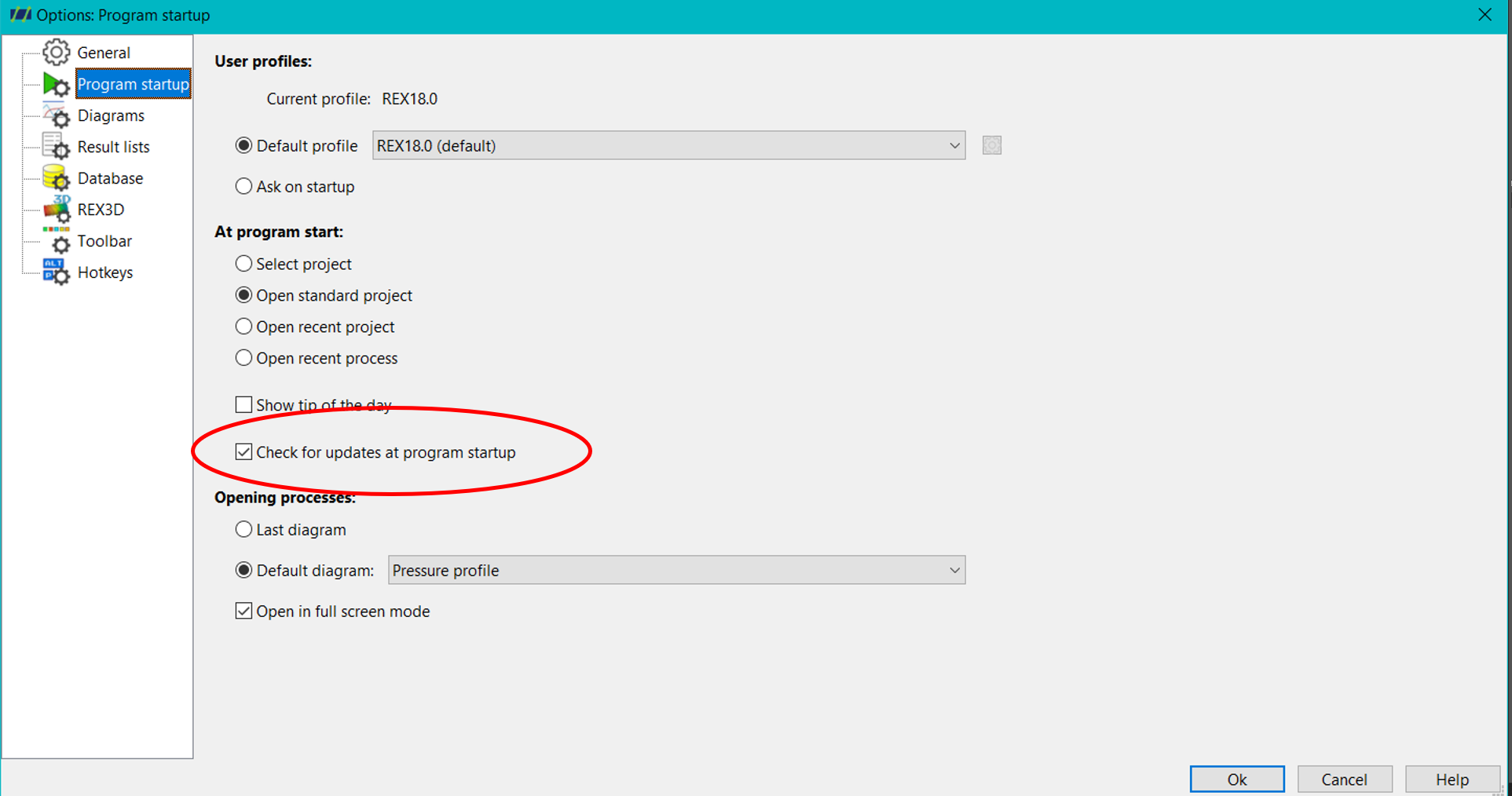
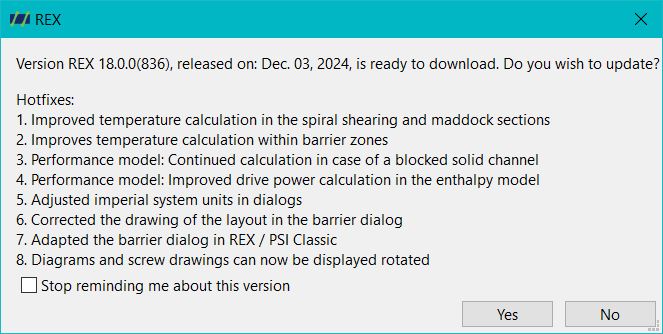
This will make the system (REX/PSI) automatically check the update server each time the program starts and notify you when a new version is available for installation. Alternatively, you can manually check for updates. This option can be found in the menu under: Help → Check for Updates.
By clicking this option, REX/PSI will check if a new version is available. If so, you will first be informed about the content changes and can specify the destination folder to determine whether and where to download it.
Installing the Update
Local administrator rights are required to install the update. Please note that you must close the REX/PSI Next Generation and REX/PSI Classic applications before installing, as the installer will overwrite the existing installation files. For more information on installation, please refer to: Installation of REX/PSI