Dies ist eine alte Version des Dokuments!
Database
Under the Database options, you can automatically set the path to your network or local database in the material database settings. This database contains all the material data you have defined in the PAM program.
First, you need to decide whether the database is located on your local workstation or within a network. For a local database, select the Localhost option and then define the file path to the database. If you are using a network database, you must enter the IP address of the network server under Other and then specify the path where the network database is installed.
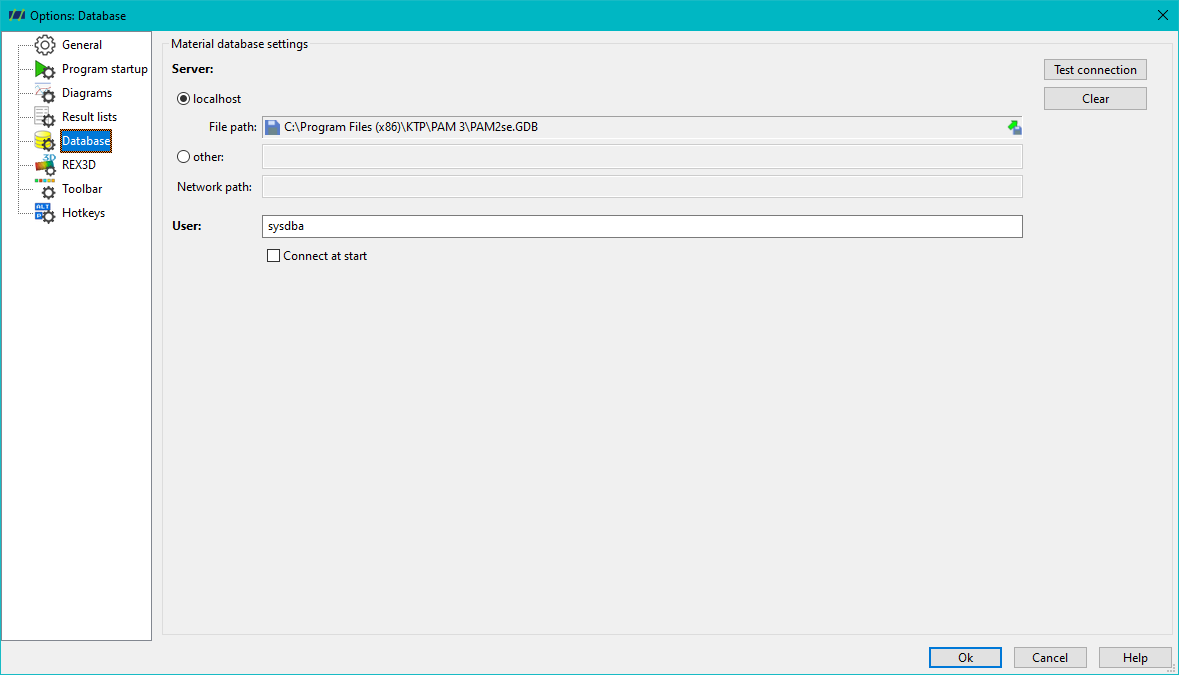
Finally, enter the login credentials for the network or local database (default: sysdba : masterkey). You can also choose to have the program automatically connect to the database at startup.