Program startup
In the Start options section within the options, you can manage your REX / PSI user profiles. For each version of REX / PSI, there is a standard profile corresponding to the respective release version. Here, you have the option to modify this profile or set it to prompt you to choose a profile each time the program starts.
You can also configure the behavior of REX / PSI at startup within this dialog.
There is an option to automatically open a standard project at startup, which is located in the previously defined folder. Alternatively, you can set it so that you need to select a project of your choice when the program starts. Another possibility is to have the last used REX / PSI project automatically reopen upon restarting.
Additionally, you can specify that the most recently used processes are also opened directly.
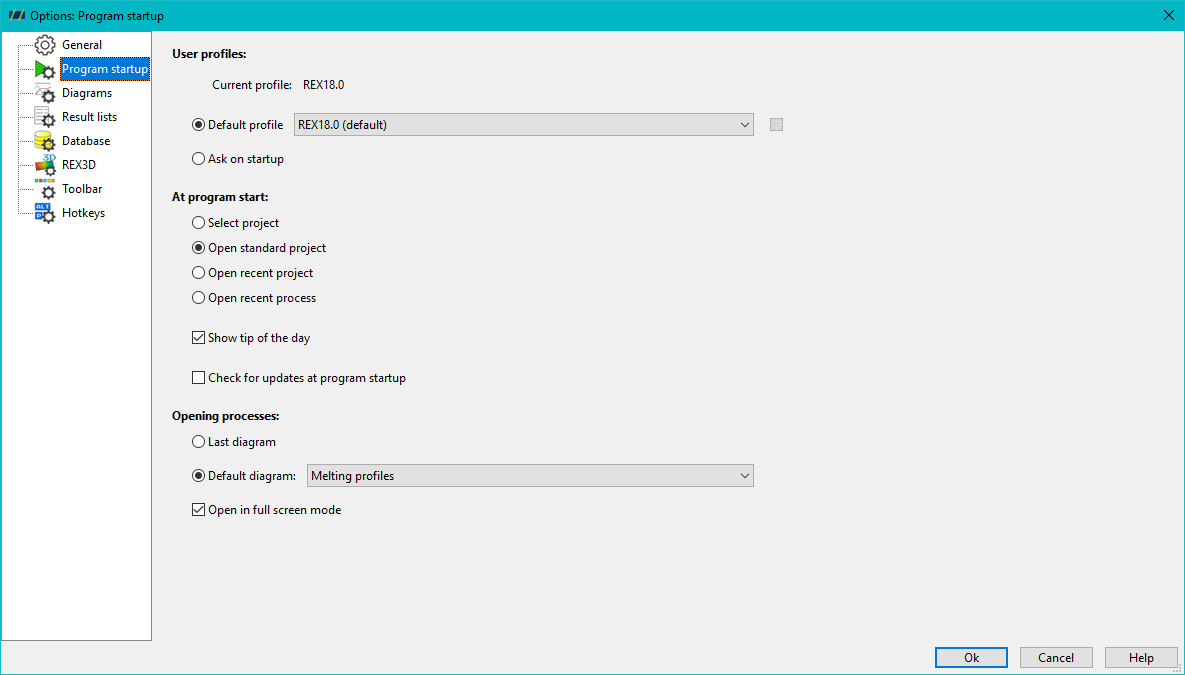
Furthermore, you can decide whether the usability tips of the day are displayed at startup, whether the dialog for not yet implemented features is shown, or whether the program automatically checks for software updates online.
When opening a process, you can also influence the program's behavior: For example, you can set it to restore the last used diagram view or automatically open your preferred standard diagram. Additionally, you have the option to automatically maximize the process windows upon opening.