Dies ist eine alte Version des Dokuments!
Toolbar
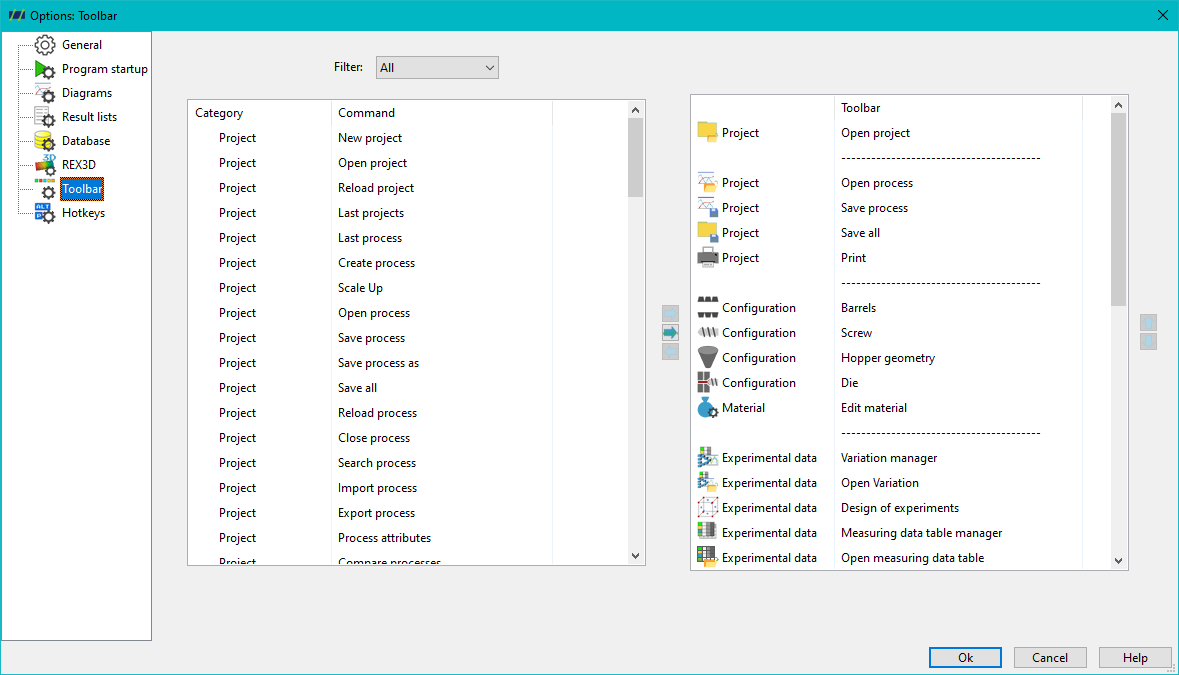
Under the „Toolbar“ options in REX/PSI, you have the ability to customize the toolbar located below the menu according to your preferences. You can either use a filter to display individual menu items or show all items sorted by categories.
If you want to integrate a specific function into your toolbar, select the desired command and click the right-arrow button. The function will then appear in your toolbar. You can use the „Up“ and „Down“ arrow keys to move the function to your desired position within the toolbar.