Dies ist eine alte Version des Dokuments!
Create process

To create a new process, machine parameters must first be defined. The Create process dialog is used for this, which can be accessed via the Project > Create process… menu or alternatively via the shortcut Ctrl + N.
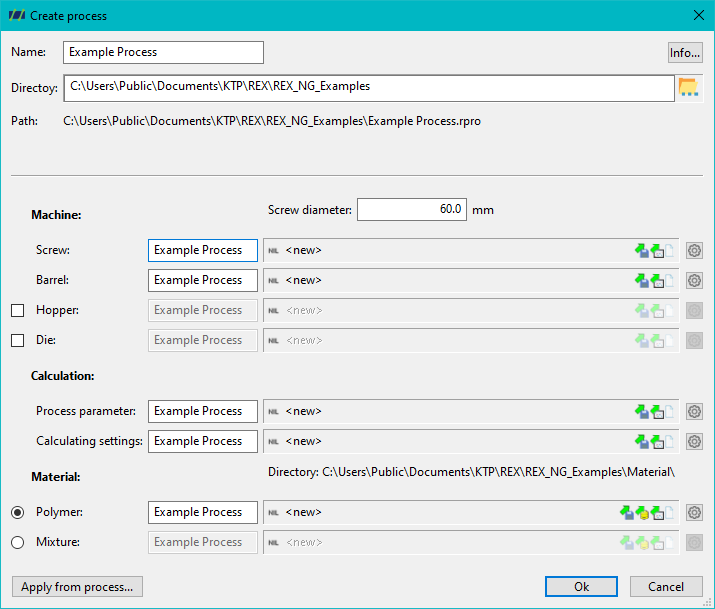
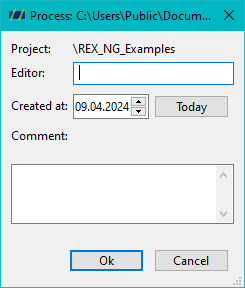
First, a process name must be assigned. Under the Info… button, you can also set processor data such as processor name, comment and a creation date. The project directory can also be defined.
In the further course of the dialog, the necessary machine parameters must be set:
- Screw diameter
- Screw
- Barrel
- Hopper geometry (optional)
- Tool (optional)
In addition, you need to define the process parameters, as well as the calculation settings and a material definition.
For all components, you have the option of either
- to define new data
- load from a file
- transfer from another process
The button Copy from process… transfers all data from one process to the new one.\
All individual components of the process creation are explained in more detail in the following section.