Dies ist eine alte Version des Dokuments!
REX3D Configuration
Extrud3D 3rd Party Setup
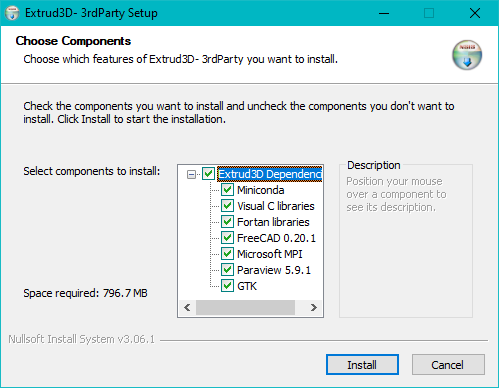
The setup must be started with administrative rights:
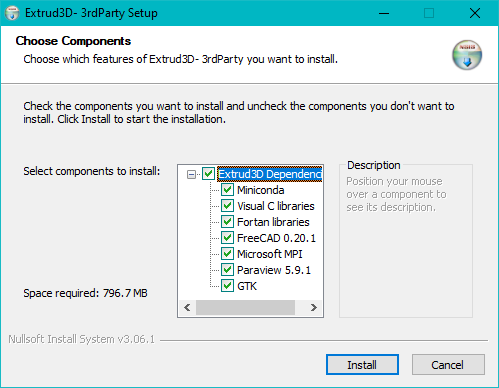 Miniconda, Visual C, Fortran and Free CAD are installed in the background.
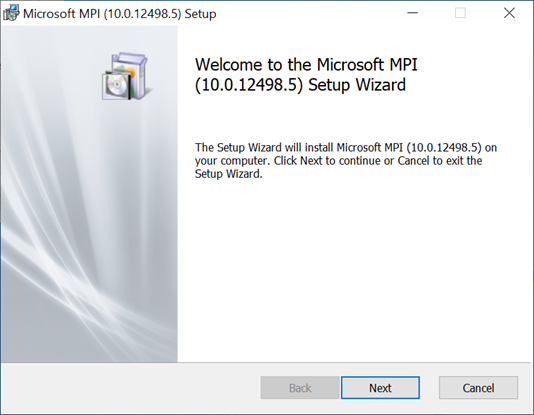
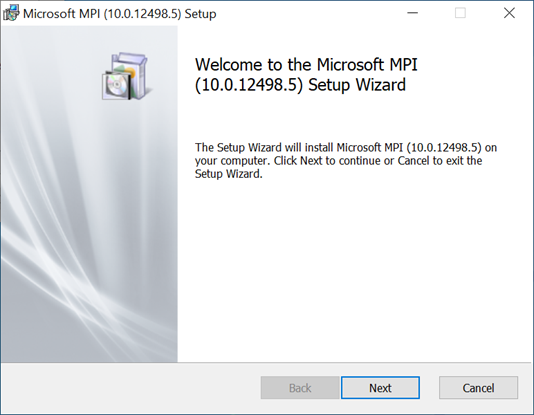
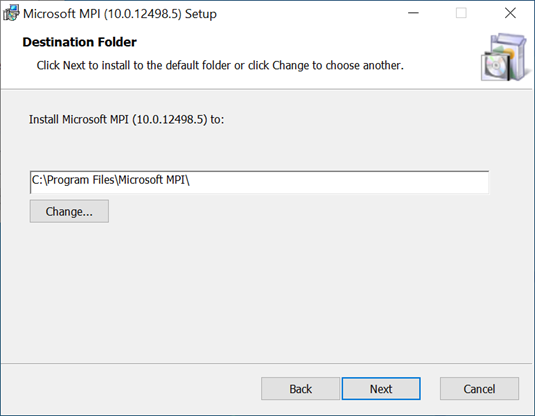
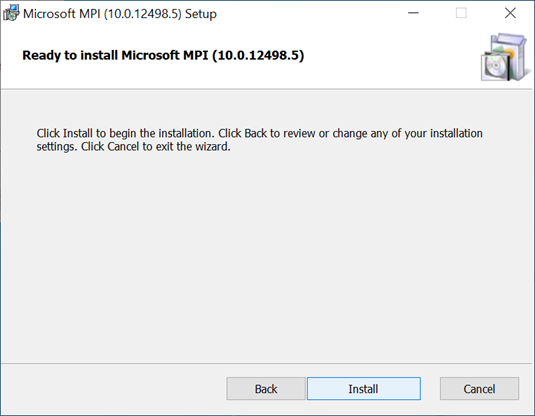
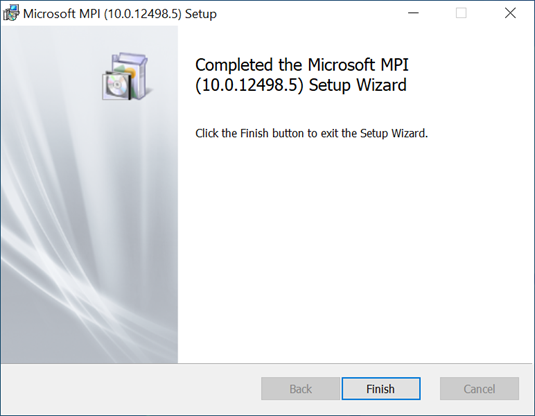
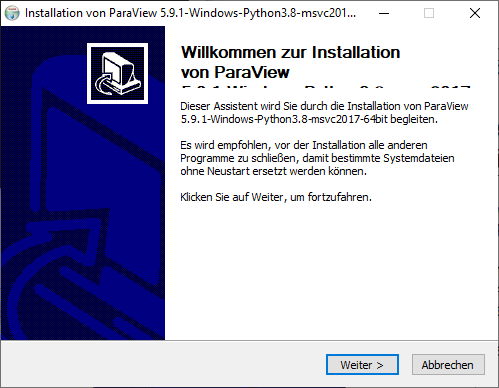
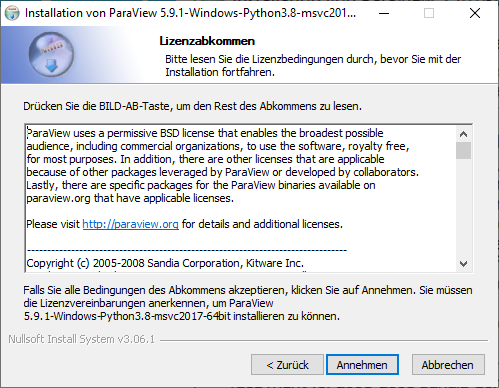
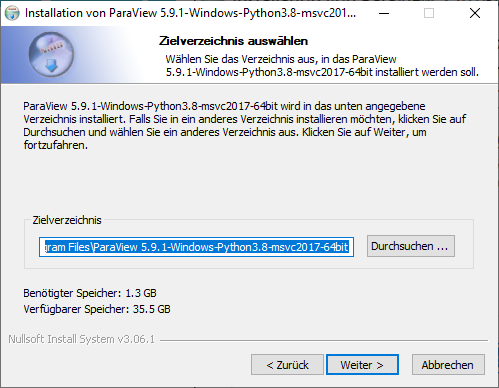
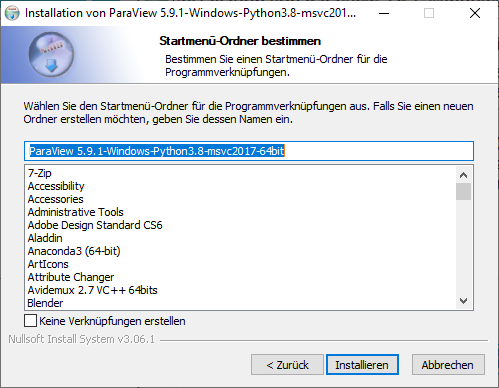
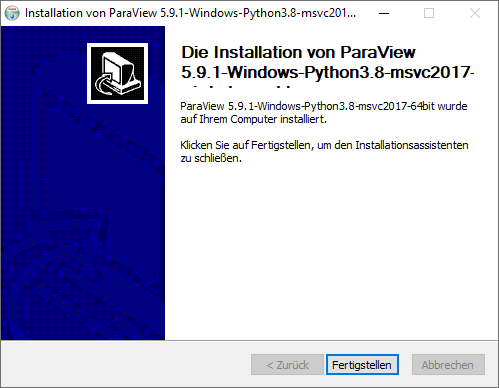
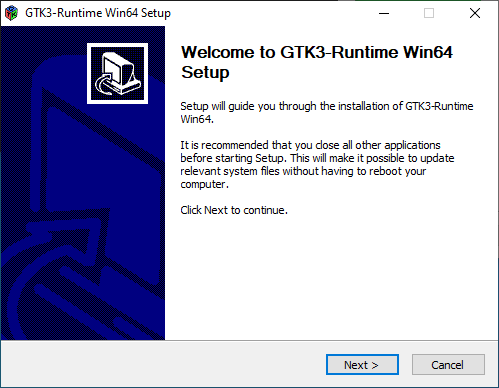
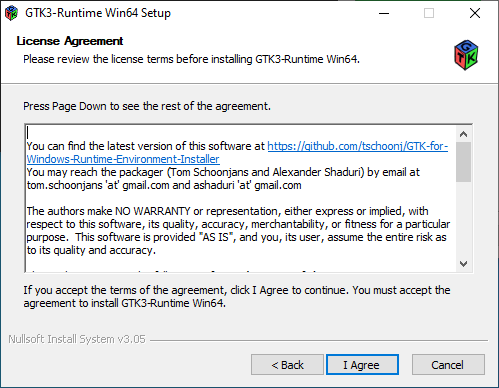
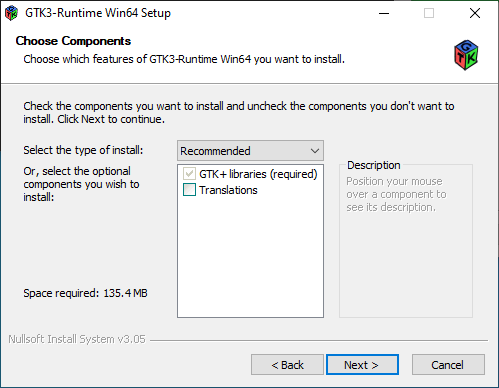
Gmesh
* Gmesh herunterladen von: https://gmsh.info/bin/Windows/gmsh-4.10.5-Windows64.zip * Entpacken Sie gmsh-4.10.5-Windows64.zip auf ein lokales Laufwerk
FreeCAD
* Free CAD-Pfad zur Umgebungsvariablen PATH hinzufügen PATH = C:\Programme\Free CAD 0.20\bin
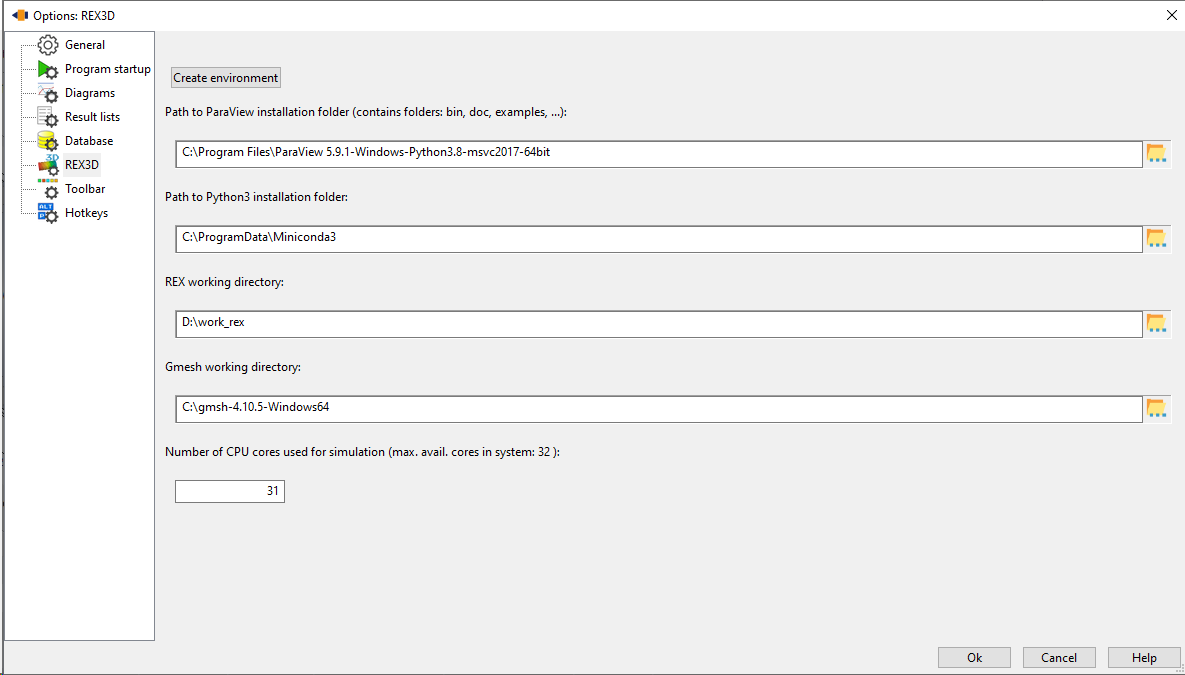
REX3D Options
Set Paths * C:\Program Files\ParaView5.9.1-Windows-Python3.8-msvc2017-64bit * D:\work * C:\gmsh-4.10.5-Windows64
The Create environment button must then be clicked.
Further topics
- Listenpunkt